Your trips, organized automatically from Gmail.

TripNoted turns your booking emails into one living itinerary — flights, hotels, rides and reservations in a timeline that updates itself. No forwarding. No spreadsheets.

  • Sign in with Google — no password stored
  • Disconnect anytime
Boarding passLiving

BOS

Boston

NRT

Tokyo

Depart

10:45

Gate

E7

Seat

22A

Day 1 · Tokyo

MAR 14

15:20

Check in · Park Hotel Tokyo

Confirmation #PH-48213

19:30

Dinner · Sushi Saito

Reservation for 2 · Resy

21:00

teamLab Planets

2 tickets · updated time

How it works

Three steps. Then it runs itself.

No manual entry, no forwarding emails to a special address. Connect once and your trips keep themselves organized.

01

Connect Gmail

Sign in with Google. TripNoted reads only your travel emails — your password is never stored, and you can disconnect anytime.

02

Trips build themselves

TripNoted finds flights, hotels, rides and reservations and groups them into trips automatically — including your last six months, free.

03

Your itinerary stays current

When a flight time shifts or a hotel sends a change, your timeline updates itself. No forwarding, no re-checking, no clutter.

Automatic coverage

If it lands in your inbox, it lands in your trip.

TripNoted recognizes confirmations across the whole journey — not just flights and hotels.

Flights — TripNoted recognizes these confirmations automatically

Flights

Airlines & confirmations

Hotels & stays — TripNoted recognizes these confirmations automatically

Hotels & stays

Bookings & changes

Rides & transport — TripNoted recognizes these confirmations automatically

Rides & transport

Trains, transfers, rideshare

Restaurants — TripNoted recognizes these confirmations automatically

Restaurants

OpenTable, Resy & more

Activities & tickets — TripNoted recognizes these confirmations automatically

Activities & tickets

Tours, attractions, events

Cruises & rail — TripNoted recognizes these confirmations automatically

Cruises & rail

Multi-leg journeys

Car rentals — TripNoted recognizes these confirmations automatically

Car rentals

Pickups & drop-offs

Multiple mailboxes — TripNoted recognizes these confirmations automatically

Multiple mailboxes

Personal + work travel

The app

Your trips, the moment you open it.

No blank state to fill in. Connect Gmail and your trips are already there — organized, current, and ready.

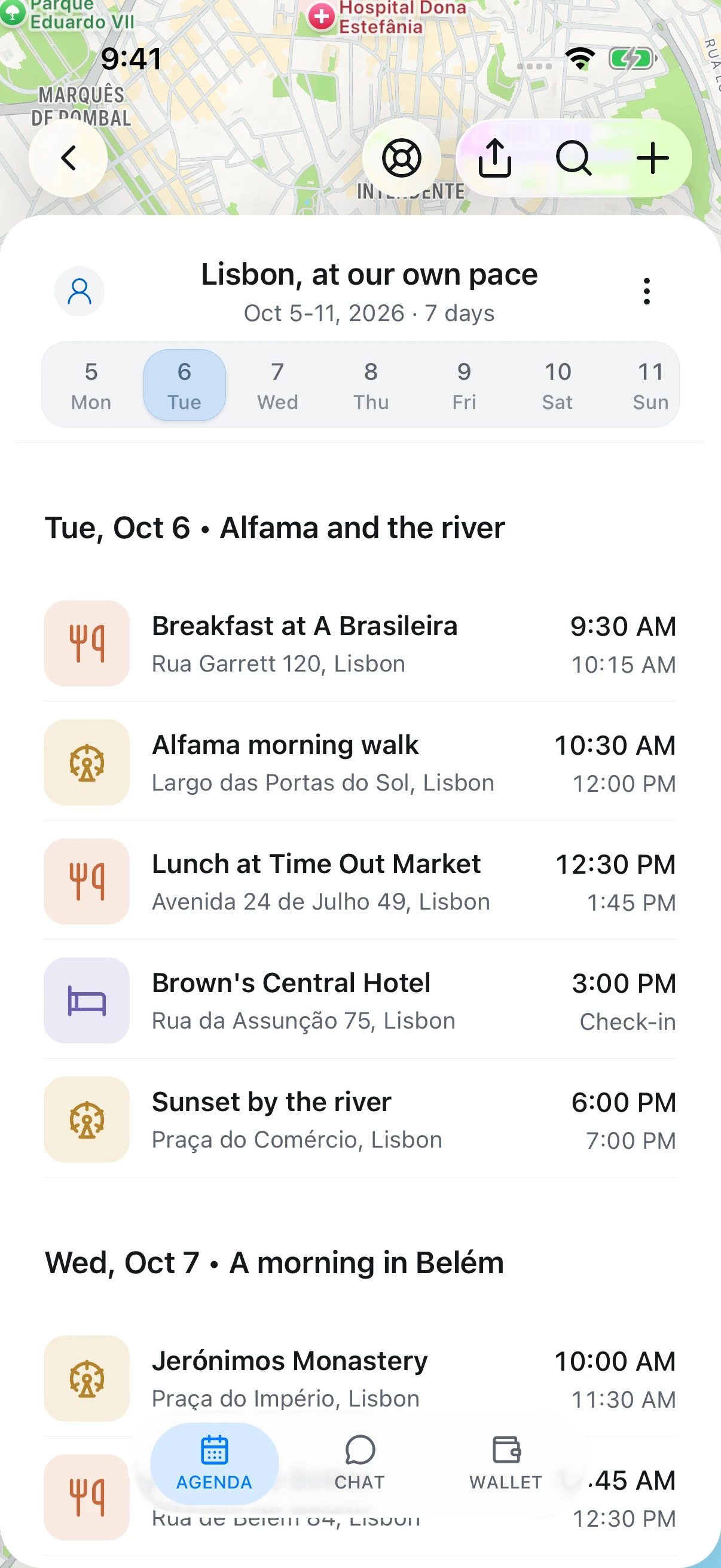
  • Every trip, already sorted

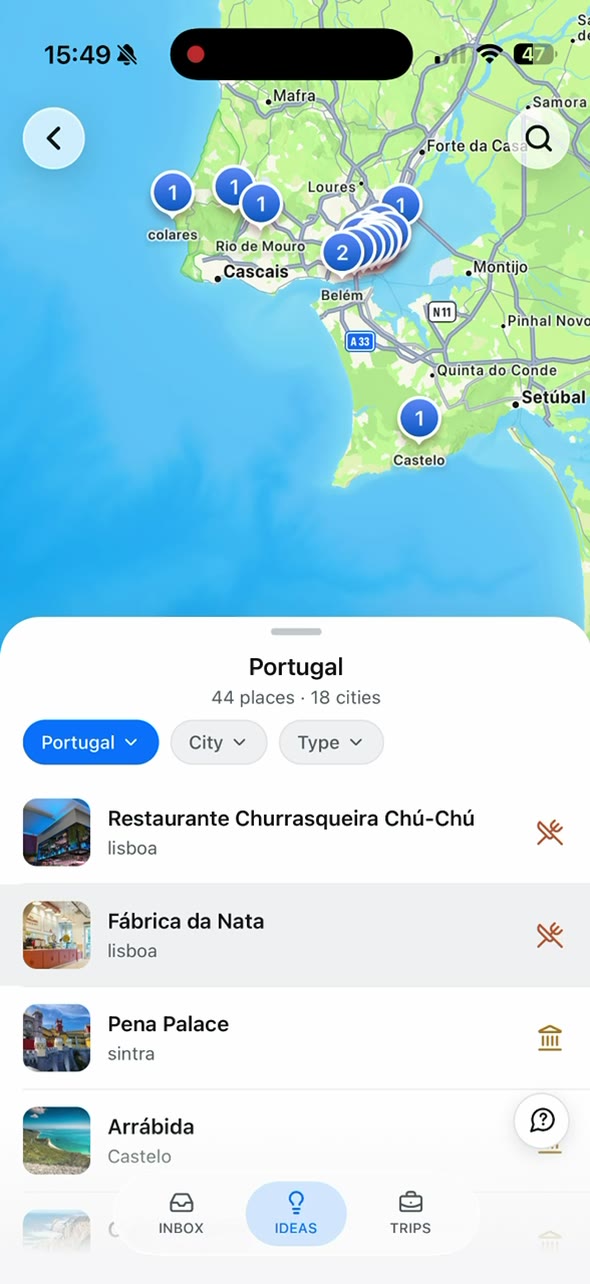
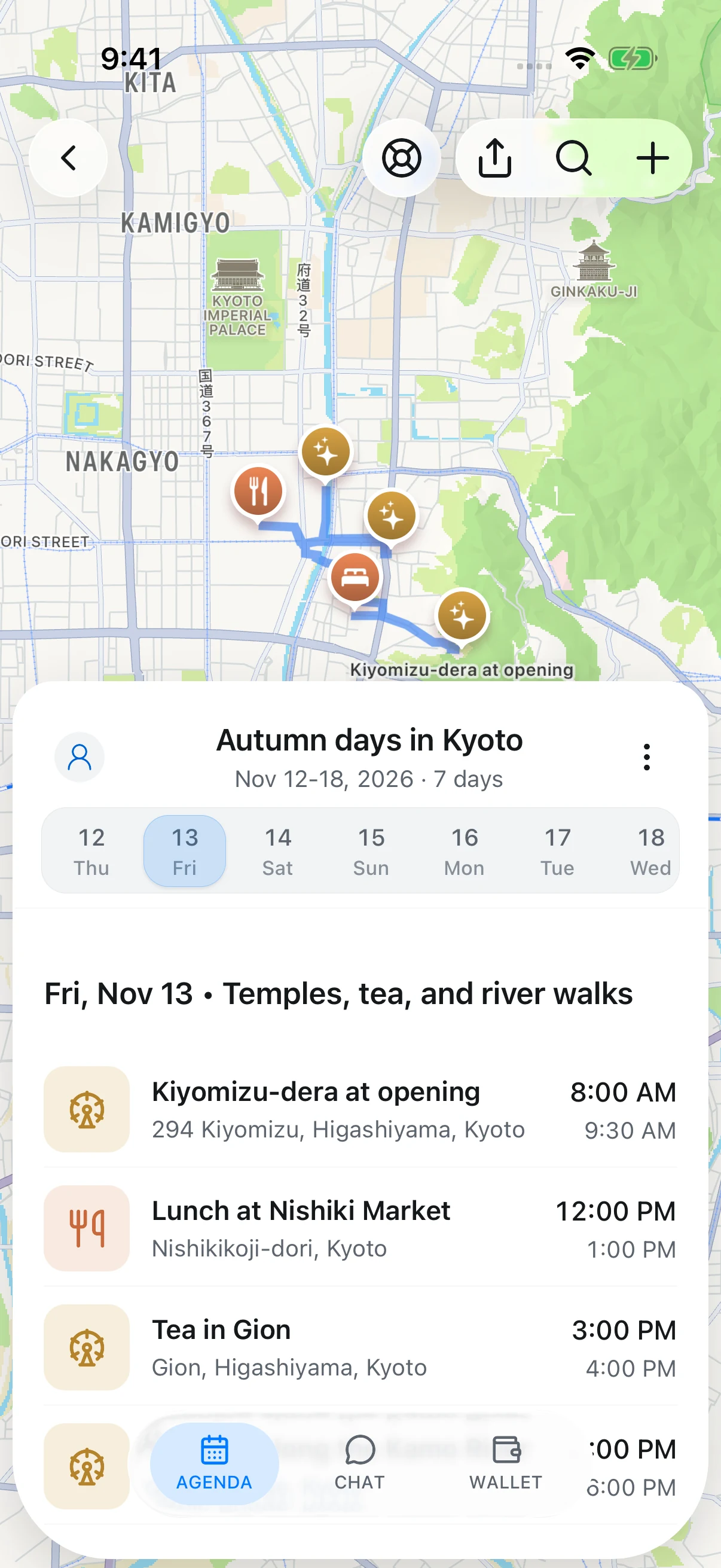
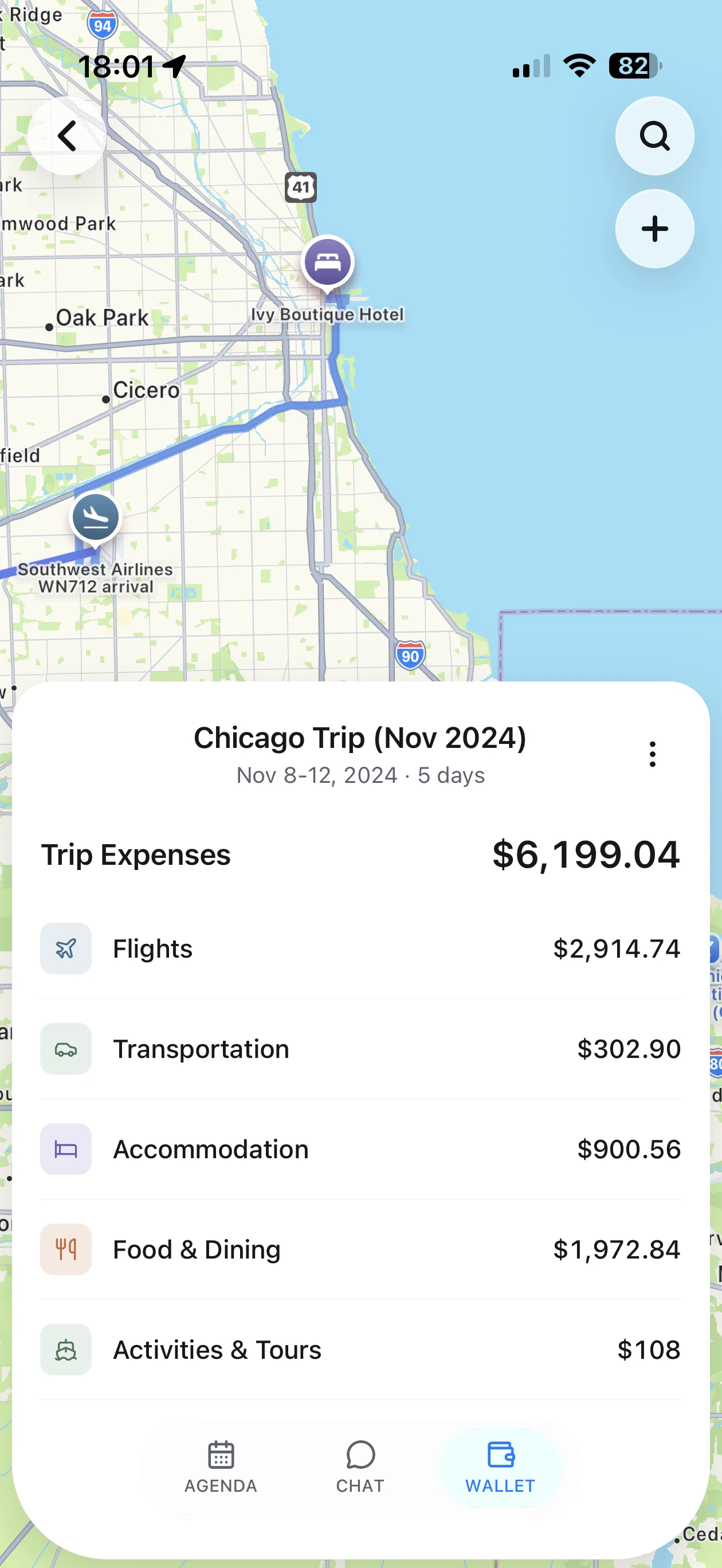
    Past and upcoming trips appear automatically — no setup, no manual entry. The Japan and Tahoe trips here came straight from booking emails.

  • Built around your inbox

    Inbox, Trips and Plan — TripNoted reads the confirmations you already have and keeps each trip current as plans change.

  • Yours to control

    Connect with Google, disconnect anytime, and keep everything synced to your calendar. iOS app coming soon.

TripNoted iOS app showing a traveler's organized trip list — upcoming and past trips built automatically from Gmail booking emails.
Living itinerary

Updates merge in. They don’t pile up.

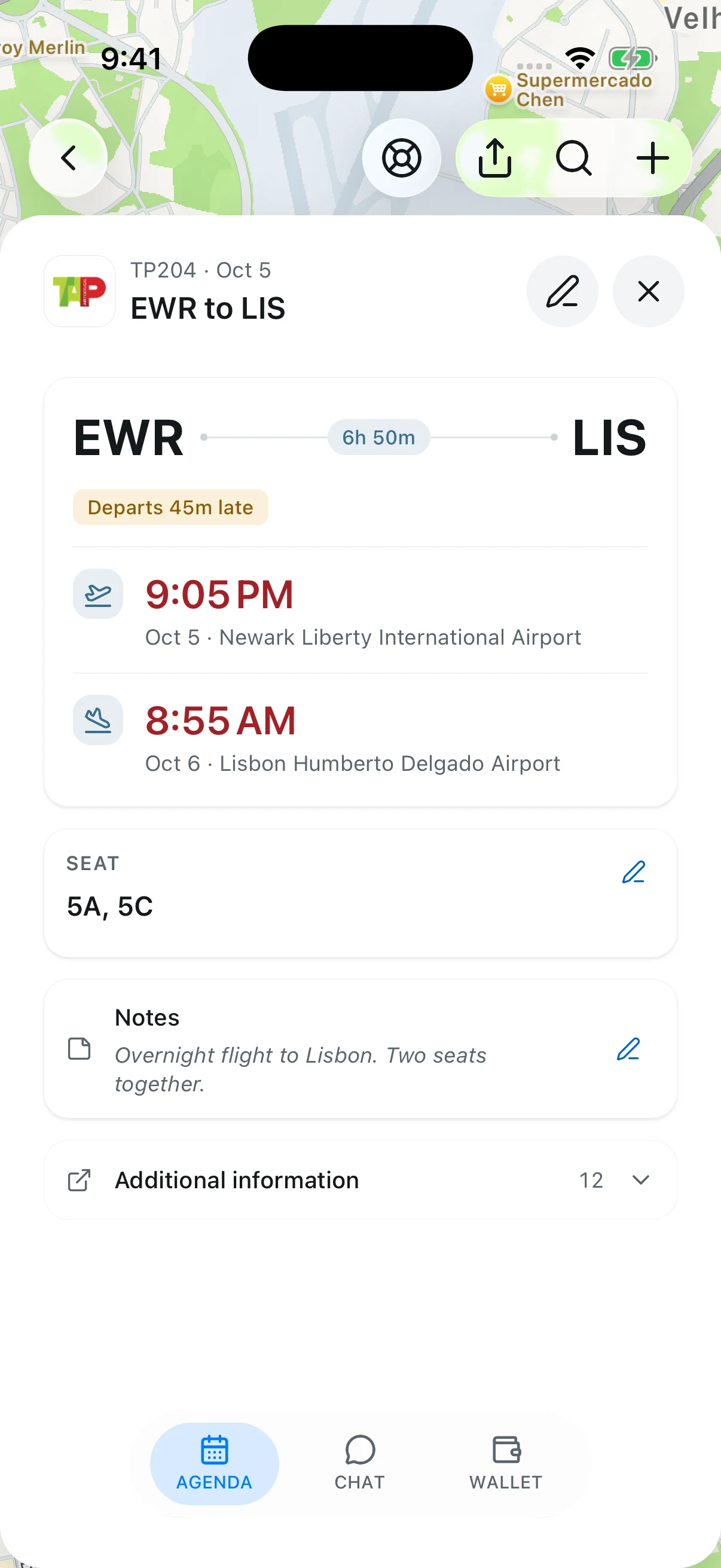
When an airline moves your flight or a hotel confirms a change, TripNoted replaces the stale detail instead of stacking another email on the pile. Your trip stays one clean, current timeline.

  • Schedule changes update in place
  • Duplicates and reminders are merged automatically
  • Connected calendars stay in sync
Travel memory

Past trips become context for the next one.

TripNoted remembers where you’ve been — the hotels you liked, the pace you travel, the places you keep returning to — and uses it to make planning the next trip faster. Go deeper with up to a decade of history on Plus.

  • A complete travel history from day one
  • Smarter suggestions grounded in real trips
  • Up to 10 years of Gmail history on Plus

Ask your trip

Answers grounded in the trip you already booked.

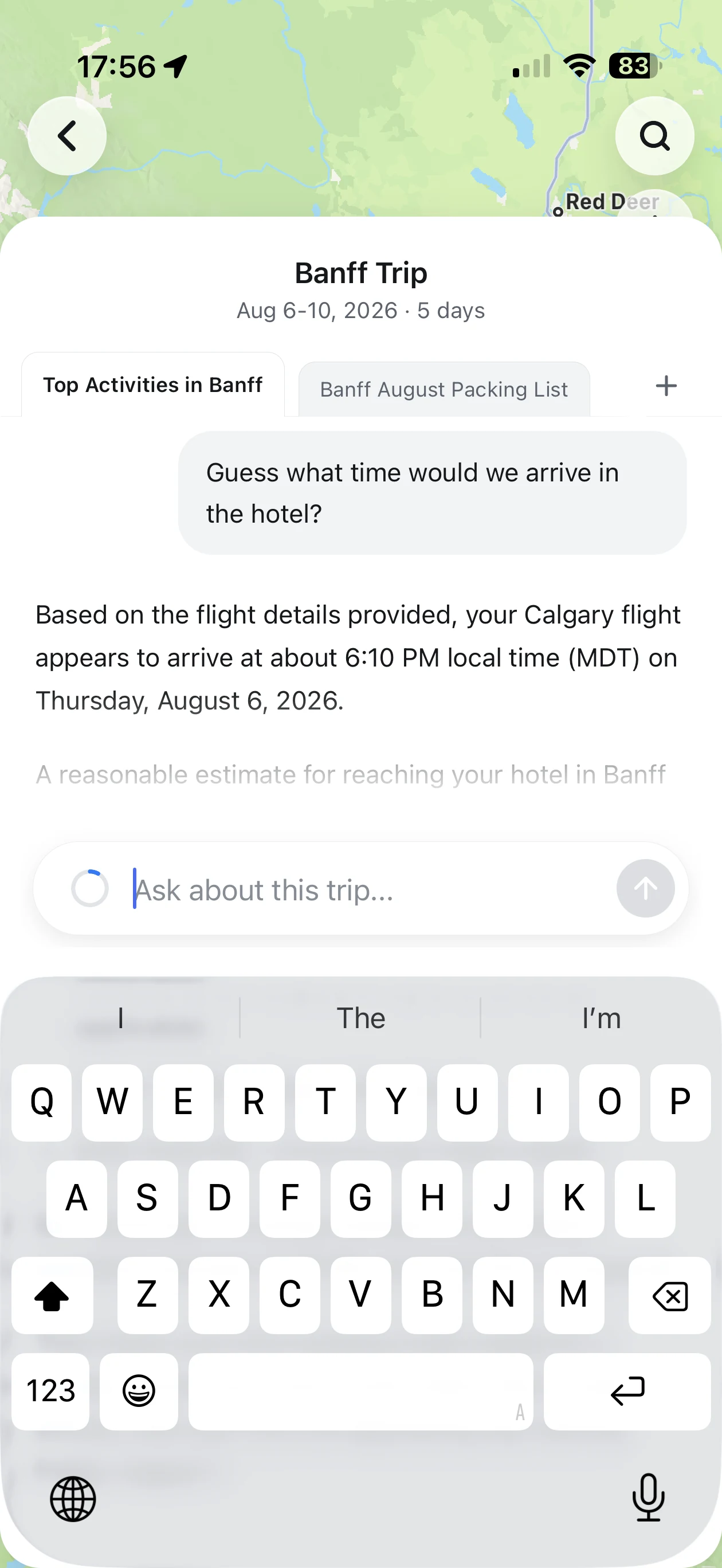
Not a from-scratch trip generator — a calm assistant that knows your real reservations and travel history, and asks before it changes anything.

What time do I land in Tokyo, and is my hotel check-in after that?
How long is my layover in Reykjavik?
Which day is the teamLab reservation, again?
What did I book for dinner on the 14th?

Grounded in your bookings · 5 questions/trip free · 50 on Plus

Why TripNoted

Most travel apps make you do the filing. TripNoted doesn't.

TripIt, Wanderlog and Tripsy can pull in bookings — but you forward the emails yourself, or you pay to unlock auto-scan. TripNoted reads the booking emails already in your inbox, free, and keeps them current.

Them

Forward every email

Remember to forward each confirmation to a special address — or upgrade before automatic scanning turns on.

TripNoted

Just connect Gmail

Automatic from the first sign-in — including your last six months — with no forwarding and nothing behind a paywall to get started.

The result

A trip that stays current

One living timeline that updates when plans change — instead of an inbox you keep re-checking.

Simple pricing

Free to start. Upgrade for depth, not basics.

Free is genuinely useful on its own. Paid plans add a decade of history, more mailboxes, and shared planning.

Free

$0

Start with your last six months.

  • 1 Gmail account
  • 6-month import
  • 5 AI questions / trip
  • Calendar sync & offline

Plus

Popular

$5/mo

Plan with a decade of history.

  • 2 Gmail accounts
  • 10-year import
  • 50 AI questions / trip
  • Trip collaboration (soon)

Family

Coming soon

$15/mo

Shared planning for everyone.

  • Up to 6 members
  • Each with own mailbox
  • Member-controlled sharing
  • Shared travel context

Private by design

Connecting Gmail should feel safe. We built it that way.

Reading your inbox is a big ask. TripNoted is built to take the least it needs and give you obvious control.

Sign in with Google

OAuth only. TripNoted never sees or stores your Google password.

Minimal retention

We keep the details needed to organize trips and touch email content only when needed.

No ads on your data

Your travel data is never sold or used to target ads. Ever.

Disconnect & delete

Revoke access or delete your data anytime, in a couple of taps.

FAQ

Questions, answered.

The things people ask before connecting Gmail.

TripNoted usually keeps the basic details needed to organize your trips and only handles email content when it needs to find travel details or show you a message.

Start free with your last six months of trips.

Connect Gmail and watch your booking emails become one living itinerary in minutes. Free forever for one mailbox — upgrade only when you want a decade of history.

No password stored · Disconnect anytime · iOS app coming soon